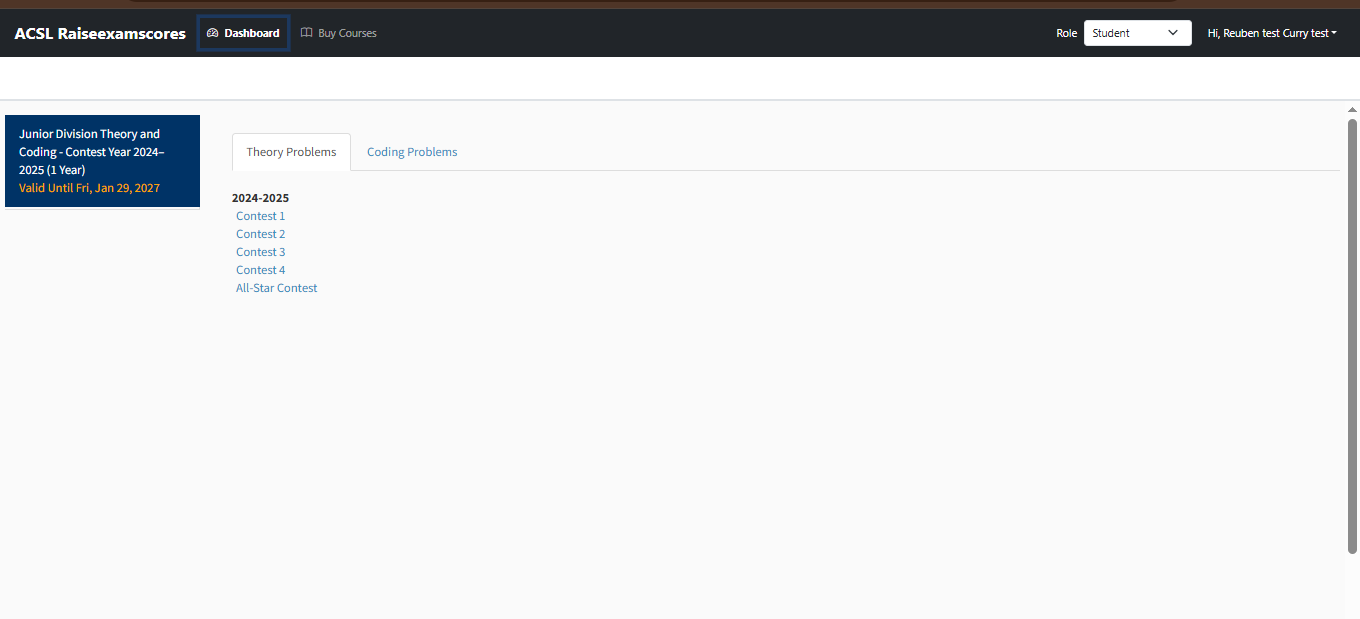
- Junior Division Coding - Contest Years 2010-2011 through 2024-2025 (15 Years)
- Junior Division Theory & Coding- Contest Years 2020-2021 through 2024-2025 (5 Years)
- Junior Division Theory - Contest Years 2010-2011 through 2024-2025 (15 Years)
- Junior Division Theory and Coding - Contest Year 2024–2025 (1 Year)
- Junior Division Theory & Coding- Contest Years 2010-2011 through 2024-2025 (15 Years)
- Intermediate Division Theory and Coding - Contest Year 2024-2025 (1 Year)
- Intermediate Division Theory - Contest Years 2010-2011 through 2024-2025 (15 Years)
- Intermediate Division Theory & Coding - Contest Years 2010-2011 through 2024-2025 (15 Years)
- Intermediate Division Theory & Coding - Contest Years 2020-2021 through 2024-2025 (5 Years)
- Intermediate Division Coding - Contest Years 2010-2011 through 2024-2025 (15 Years)
- Senior Division Theory and Coding - Contest Year 2022-2023 (1 Year)
- Senior Division Theory - Contest Years 2011-2012 through 2023-2024 (13 Years)
- Senior Division Theory & Coding - Contest Years 2011-2012 through 2023-2024 (13 Years)
- Senior Division Coding - Contest Years 2011-2012 through 2023-2024 (13 Years)
- Senior Division Theory and Coding - Contest Year 2020-2024 (4 Years)
Parent → Student Course Purchase Flow
1. Parent visits website and Login.
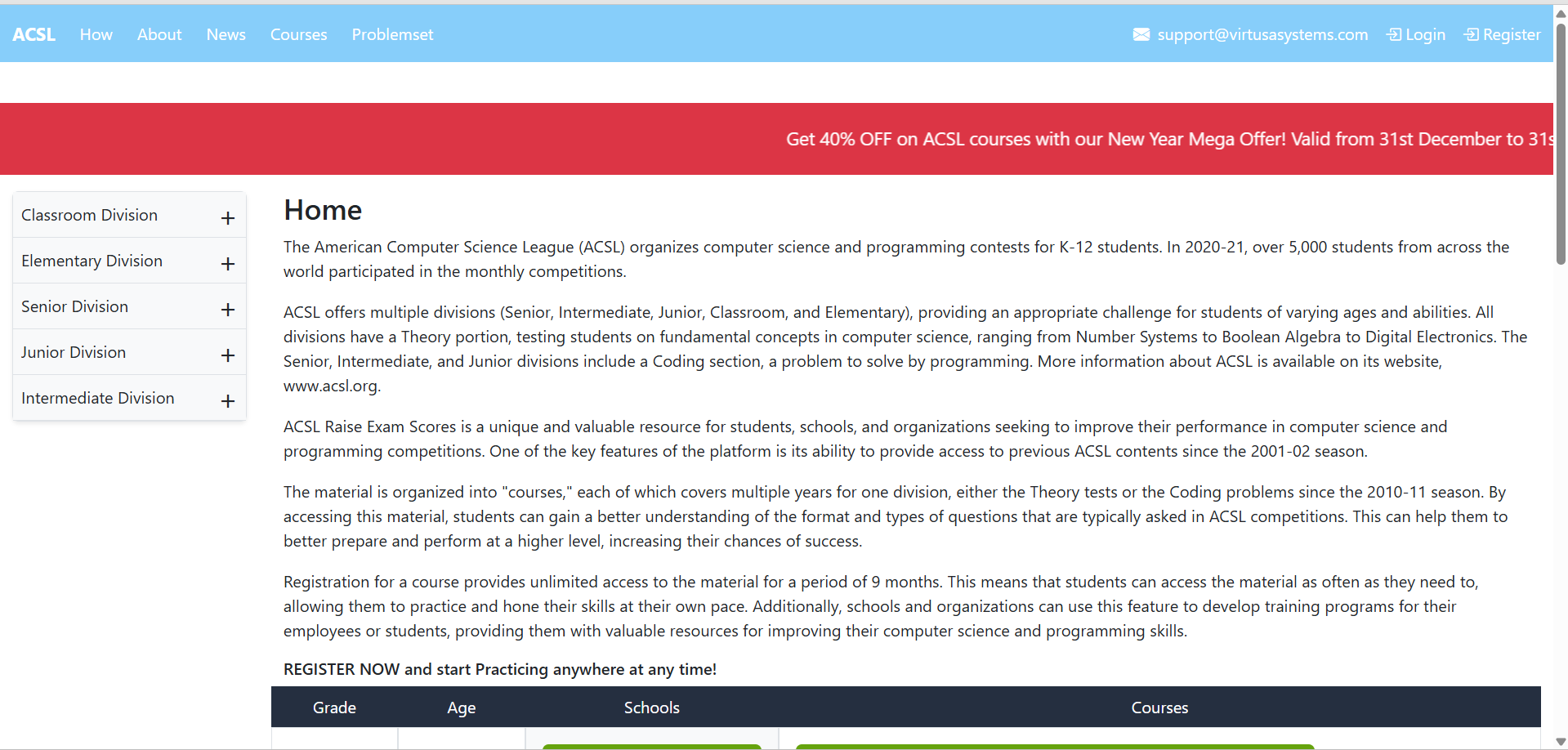
2.Login and access Dashboard.
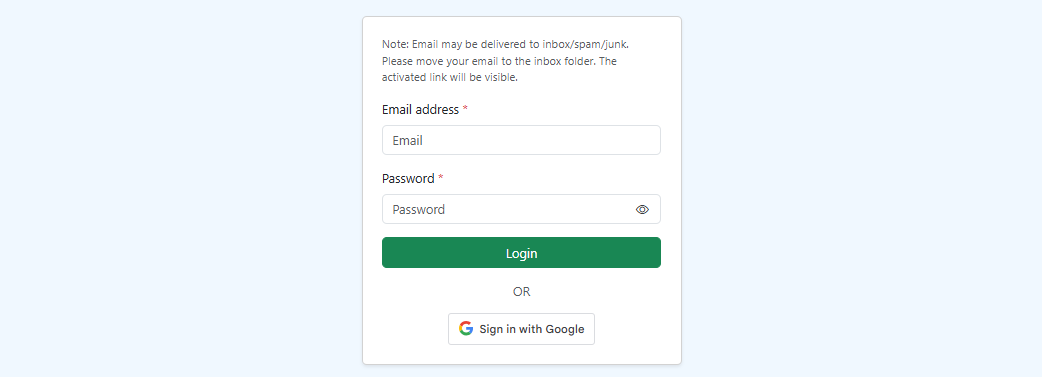
3. Parent navigates to Dashboard.
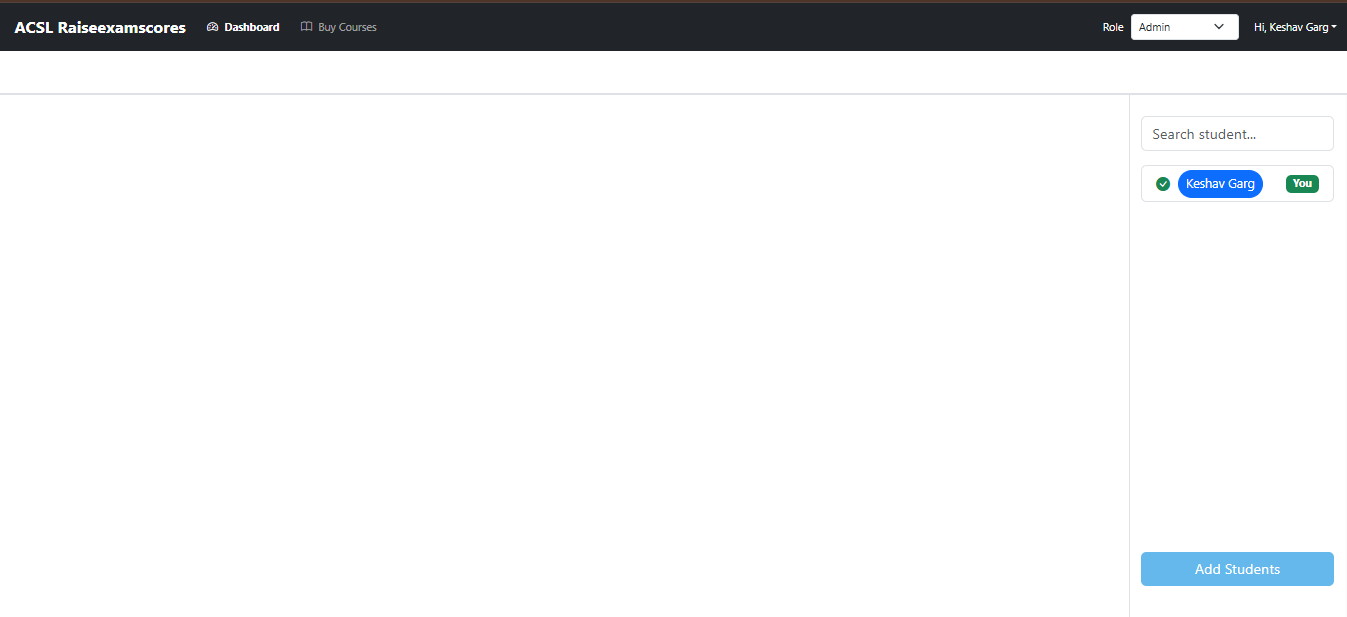
4. Parent searches and selects a student.
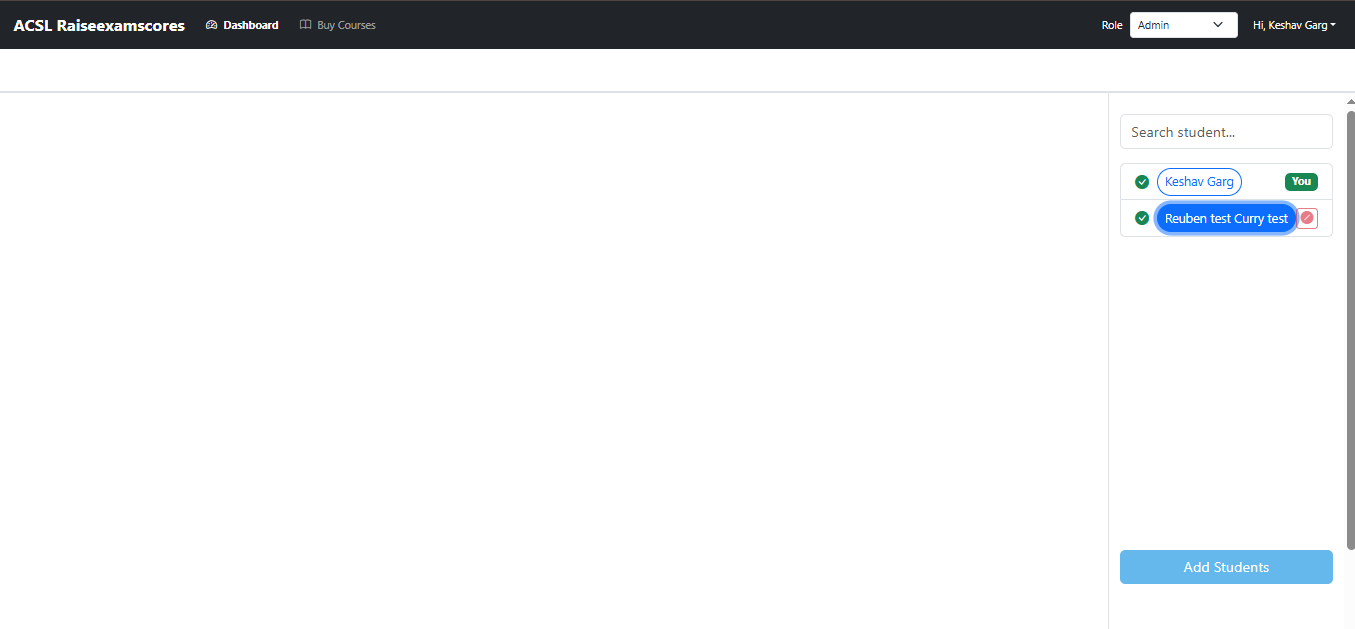
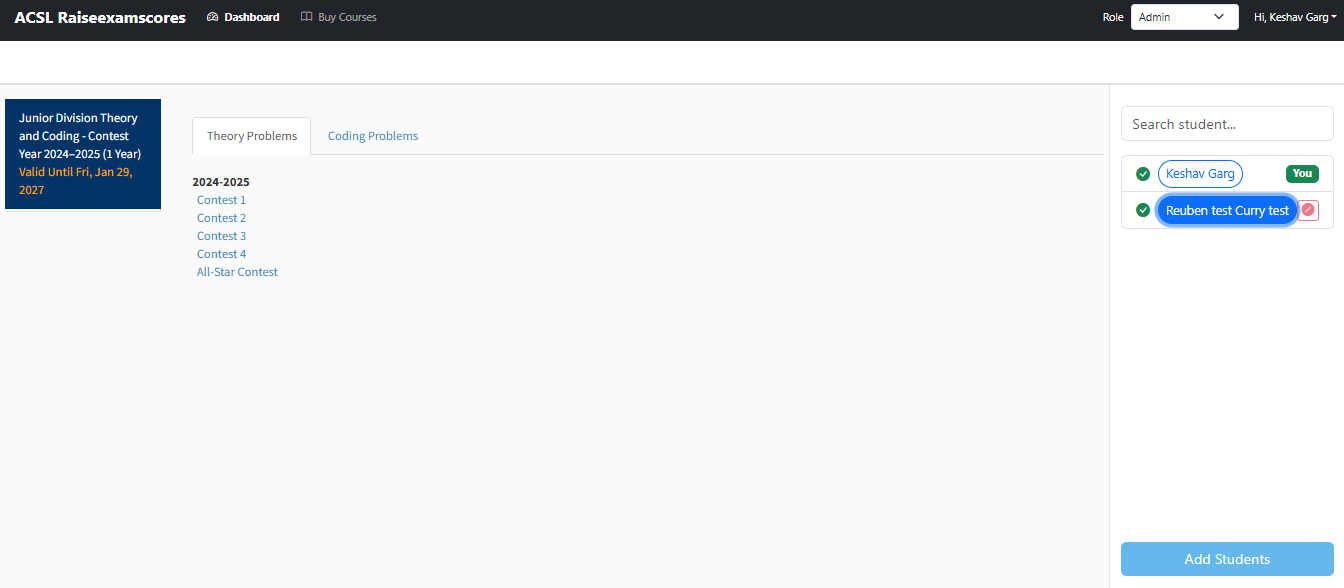
5. Student Dashboard opens (Parent View Mode).
Student's existing courses are visible.
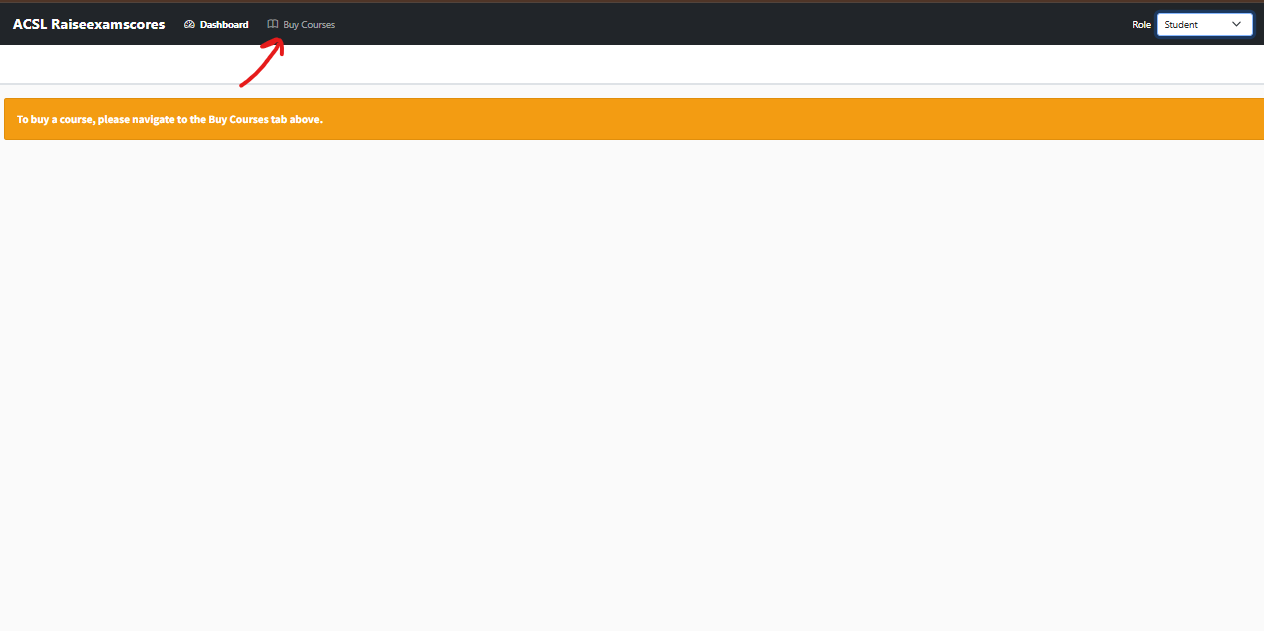
6. Parent clicks Buy Course for Student.
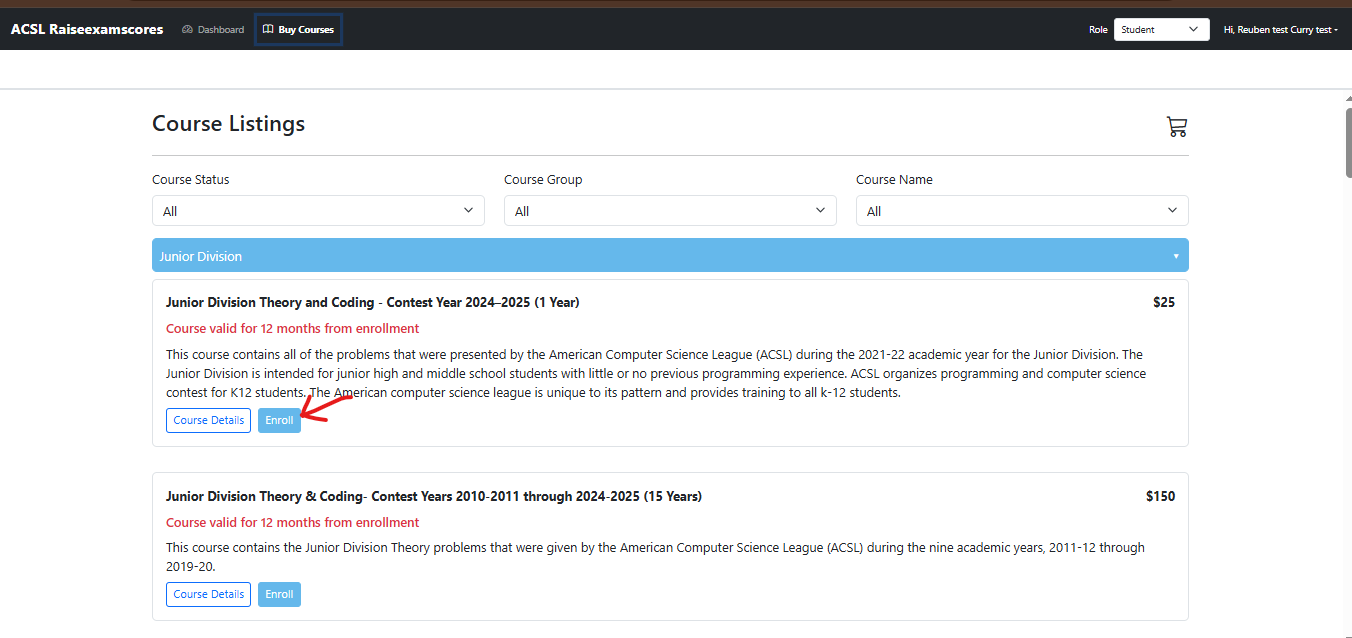
7. Course listing page opens , Select course and click Enroll.
8. Parent View Cart, apply coupon and proceed to checkout.
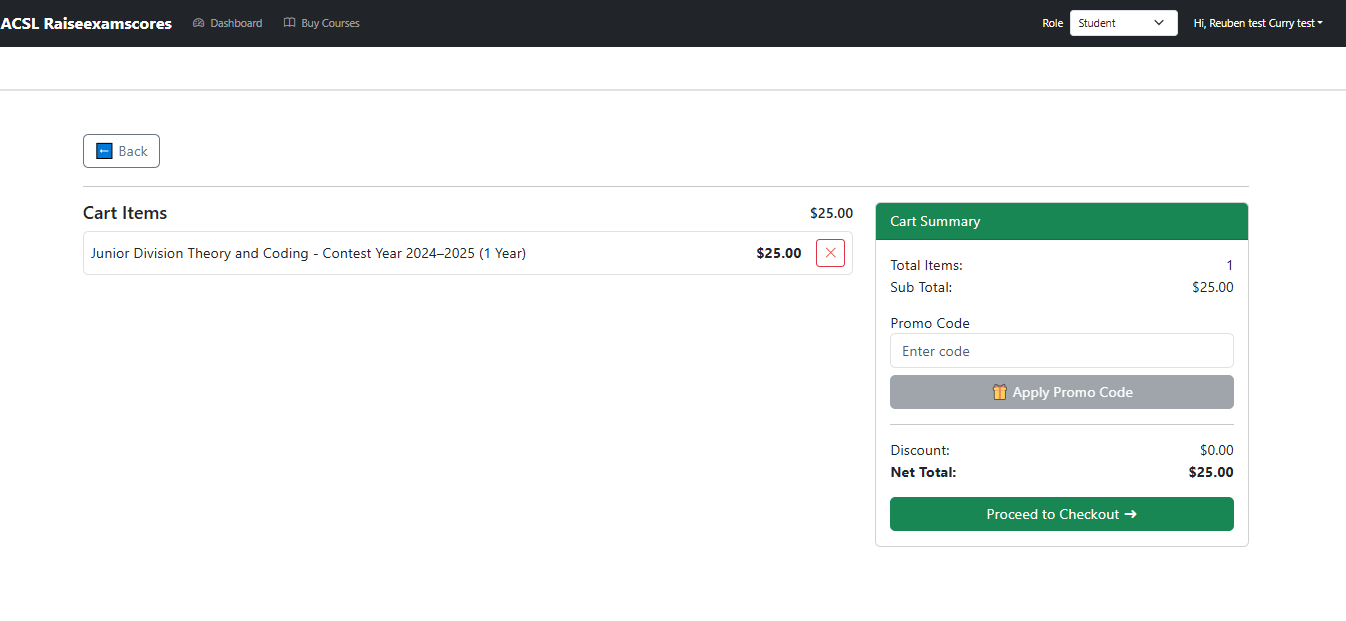
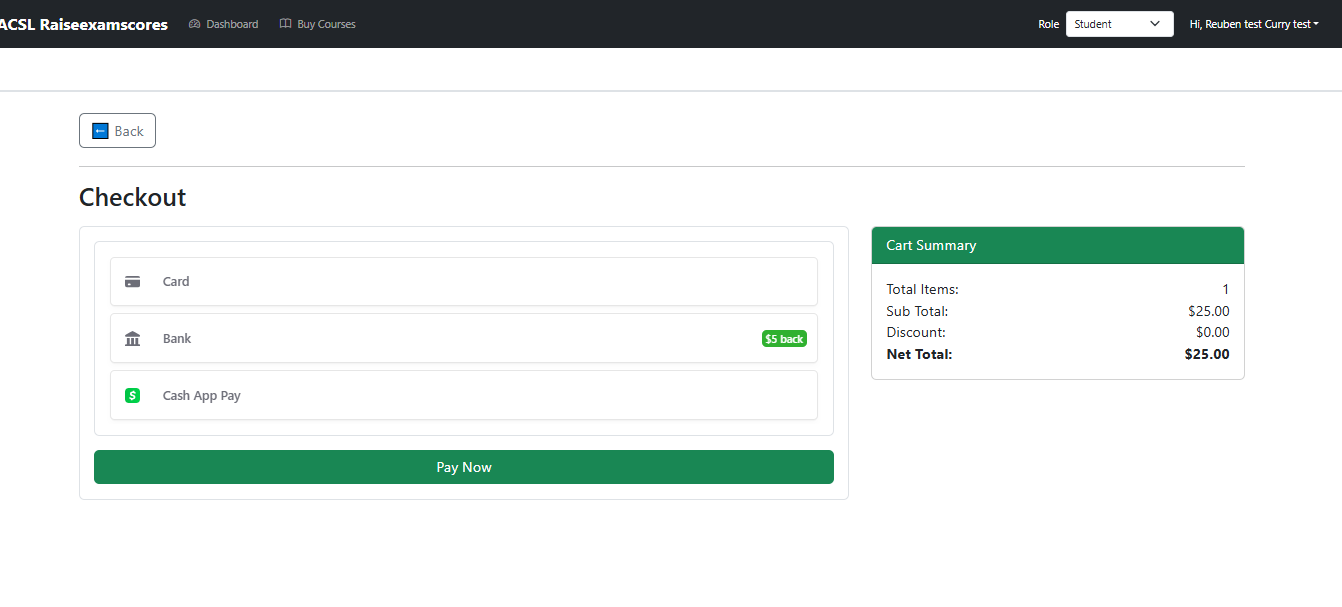
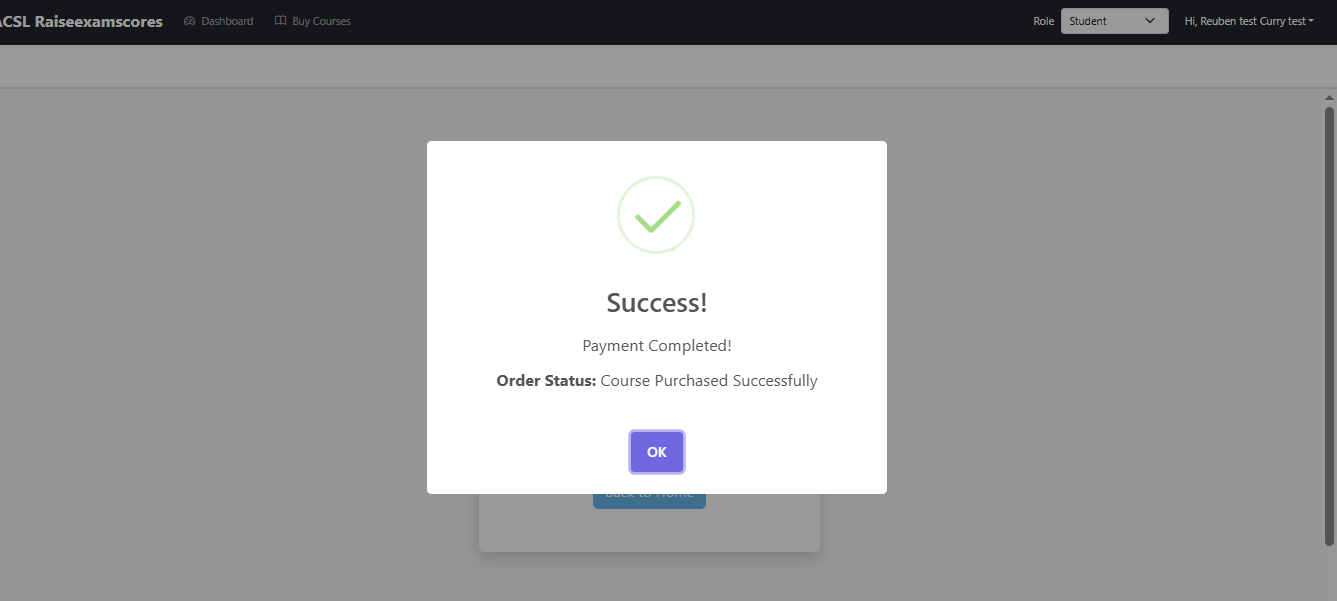
9. Payment successful and course added to student account.
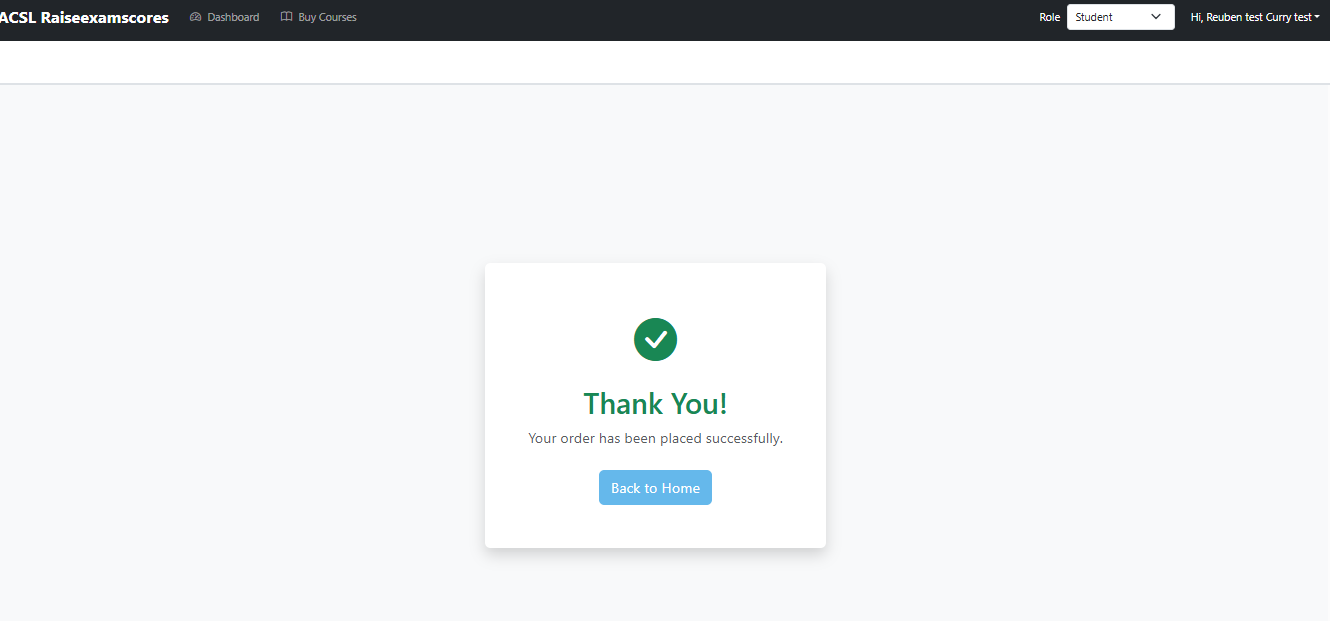
10. Purchased course appears on Student Dashboard.